Capturing Blur on a Smartphone
Smartphones are designed to make every photo look its best. Tap the shutter and a small team of algorithms jumps into action: noise reduction, edge sharpening, optical stabilization, HDR blending. For casual photography, this is great. For a film simulation app like Apperture, it is a deal breaker.
The Goal
Apperture lets you preview how a shot will look on film before you commit to it. Film is unforgiving: every frame costs money, and you only find out what you got after development. One thing novice film photographers consistently underestimate is how much blur a slow shutter speed produces. At 1/30s a person walking through the frame can come out completely unrecognizable. Apperture needs to show that accurately. One could also say, we want to force phones into taking poor pictures.
The ISP Gets in the Way
A smartphone's Image Signal Processor (ISP) is designed to make blur disappear, because, well, most users would like to not have blurry photos. Apperture's android version makes use of the Camera2 API. On most Android devices, the Camera2 API lets you disable individual processing stages. You can set:
CONTROL_MODE_OFFto disable auto-exposure and auto-focusEDGE_MODE_OFFto disable sharpeningNOISE_REDUCTION_MODE_OFFto disable noise reductionLENS_OPTICAL_STABILIZATION_MODE_OFFto disable OIS
On paper, this should give you raw sensor output. In practice, not every device's ISP can be controlled through the Camera2 API. On newer Pixels, for example, no flag you set in software reaches the blur removal routines and images are always sharp.

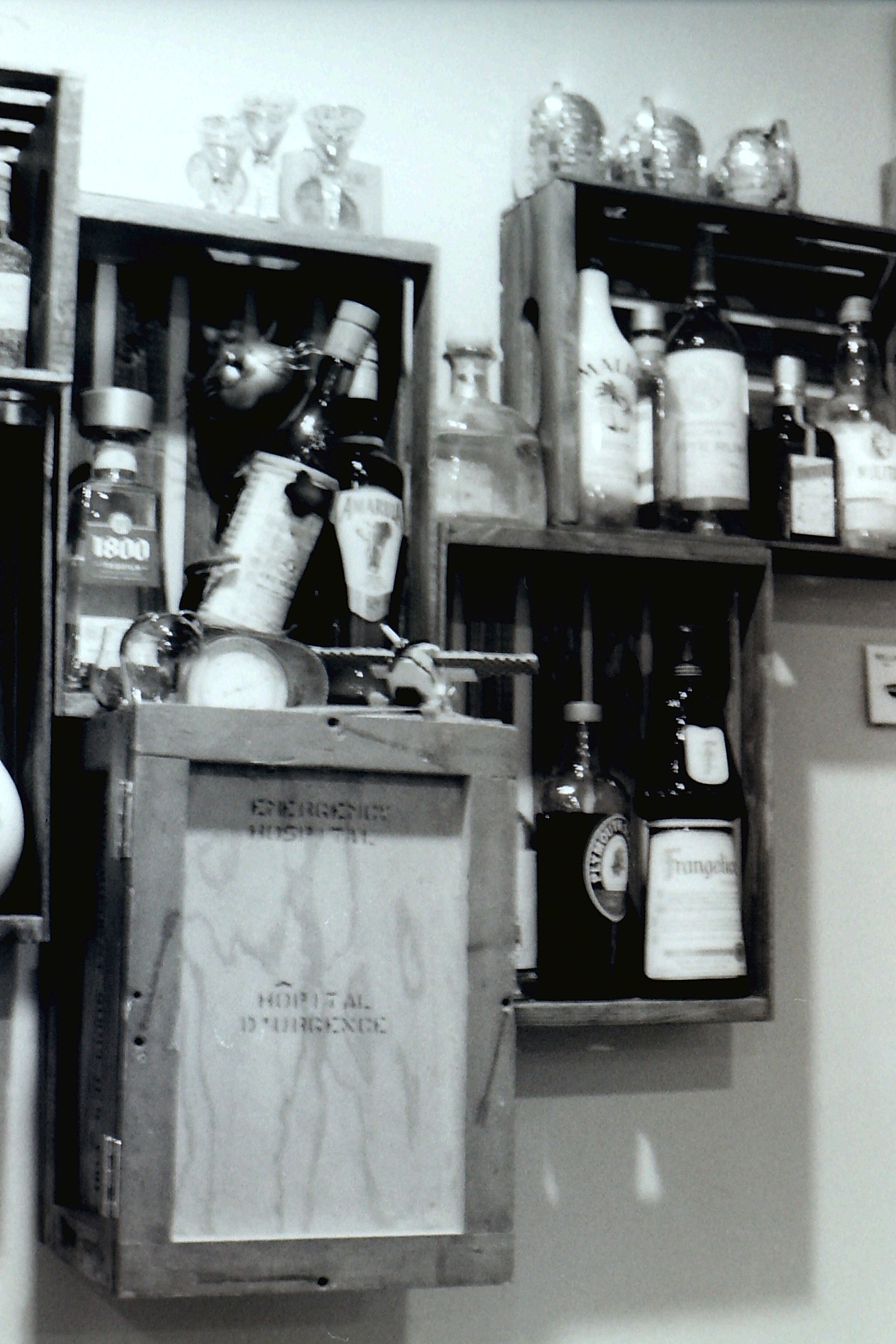
The photo on the right was taken on Ilford HP5 at ISO 400, f/8, 1 second. The one on the left is a smartphone's attempt at simulating the same stock at the same settings. Notice how the ISP has smoothed away the motion blur that the film faithfully captured, producing a result that no real camera at that shutter speed would ever deliver.
iOS presented a different problem. Apple's AVFoundation framework does not expose the same granular controls at all. When you capture through AVCapturePhotoOutput, Apple's computational photography stack runs automatically: Deep Fusion, Smart HDR, and whatever else the OS decides to apply. There is no per-photo way to opt out. Lowering the capture quality priority to .speed reduced the processing but did not eliminate it. The resulting images were still consistently cleaner than a real camera at the same shutter speed would have produced.
Trying RAW
The next logical step was RAW capture. DNG files contain sensor data before ISP processing. On Android you can request RAW_SENSOR capture if the device supports it, then process the DNG yourself. This worked, but it introduced two problems: not all devices support RAW output (particularly budget Android phones), and DNG files run 25 to 50 MB each, requiring a separate decode step before the individual film and grain simulation pipelines can take place.
RAW solved the ISP problem but created another hardware fragmentation problem in its place.
Frame Stacking
The solution turned out to be simpler than we expected. Instead of fighting the ISP on a single capture, we bypass it entirely by stacking frames.
When you press the shutter in Apperture, the native layer starts collecting YUV frames from the camera's continuous video output for the duration of the requested shutter speed. Each frame is captured at the phone's native fast shutter speed, so the ISP has nothing to correct. We then blend all those frames together using a running average:
accumulated = accumulated x (n-1)/n + newFrame x 1/n
A moving subject appears in a slightly different position in each frame. After averaging, those positions bleed together into natural temporal blur. The ISP never sees a blurry image because we assemble the blur ourselves, after the fact, from frames it already approved.
On iOS, the key was abandoning AVCapturePhotoOutput entirely. By reading frames from AVCaptureVideoDataOutput instead, they bypass Apple's computational photography stack completely. Video frames do not go through Deep Fusion or Smart HDR. The accumulation runs on the GPU via Metal compute shaders: each incoming frame is blended into a 32-bit float accumulator texture, then a normalize pass divides by the frame count when the shutter time elapses.
This approach works on every device. No RAW support required.
What You Get
The result is motion blur that the phone's algorithms never touched. Long exposures produce light trails. A hand waved across the frame during a half-second exposure leaves a genuine smear. The blur varies with shutter speed exactly the way it does on film. Now if a film photographer using Apperture tries to take a photo of a crowd at low light, they will see just how blurry everyone's faces will end up looking like, before commiting that bold stylistic choice to film.